Lab 5: Create Weather API Key
Lab 5: Create Weather API Key
Introduction
In this lab, we will create an API key from WeatherAPI.com — a service that provides global weather data (current weather, forecasts, historical weather, etc.). This key will allow your applications, agents, or Google Colab notebooks to access weather information programmatically.
What Is WeatherAPI?
WeatherAPI.com is a weather data provider that delivers real-time weather information, forecasts, and historical weather data via RESTful APIs.
Why Do You Need a WeatherAPI Key?
With a WeatherAPI key, you can:
Fetch the current weather for any city or coordinates.
Retrieve weather forecasts for multiple days.
Access historical weather records.
Use weather data to enhance apps like dashboards, virtual assistants, travel tools, and more!
Use Cases:
Weather dashboards — show temperature, humidity, and forecasts
Travel apps — provide weather info for destinations
Agriculture tools — use weather data for planning
AI Agents & Chatbots — answer weather questions in real‑time
Alerts & Notifications — send weather warnings to users
To create your Weather API key, please follow the steps below:
- Open your web browser and go to the WeatherAPI.com website.
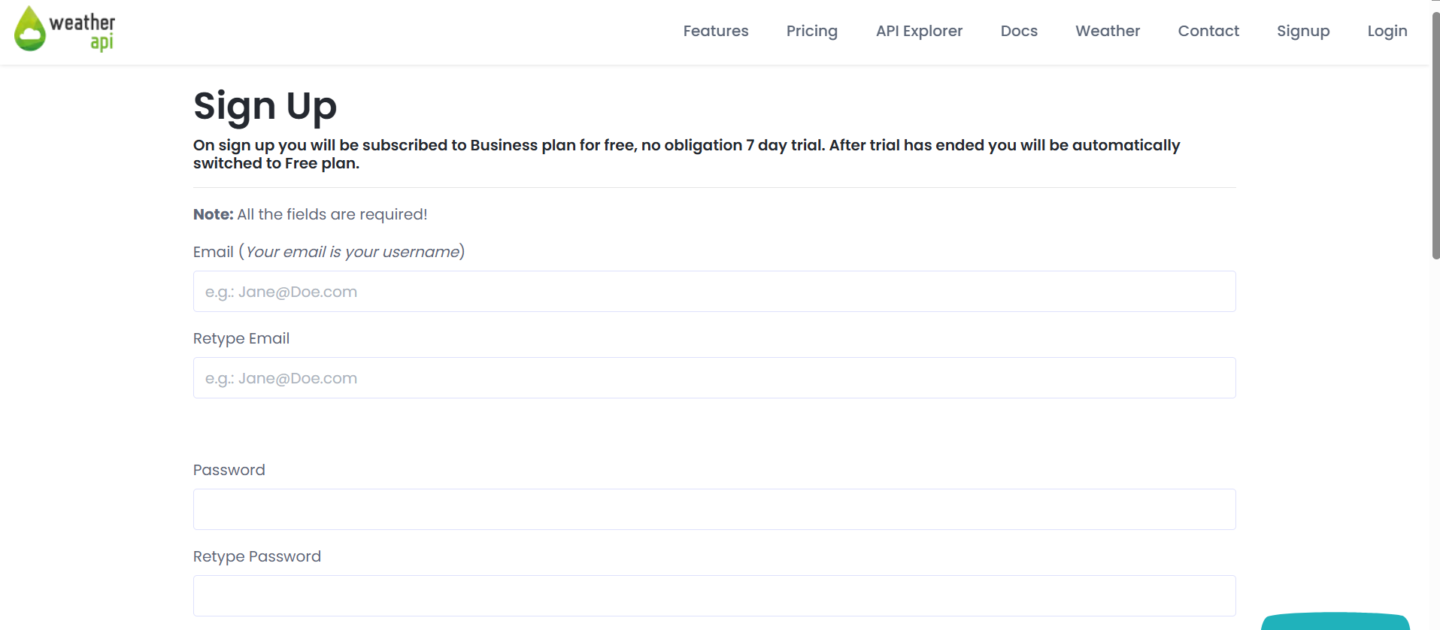
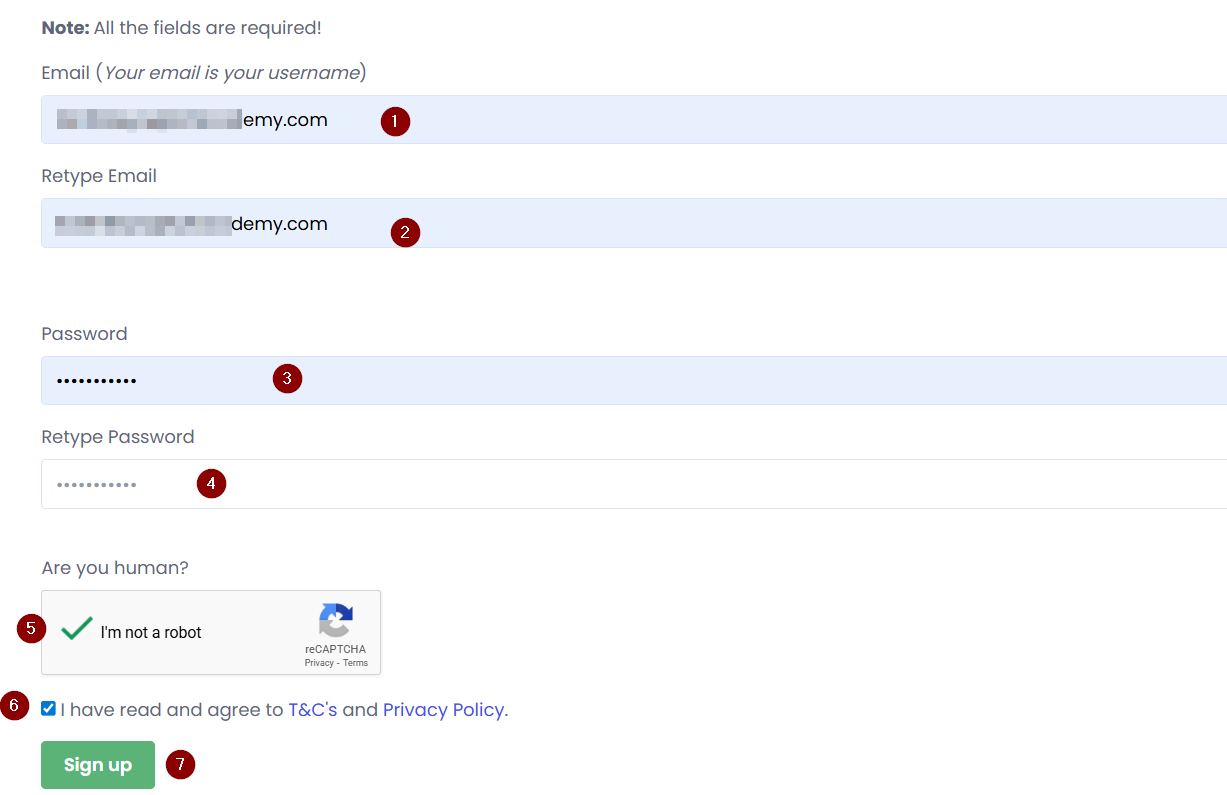
Fill in your Email , Username , and Password on the sign-up page.
Complete any required verification or CAPTCHA.
Click Sign Up to create your account.
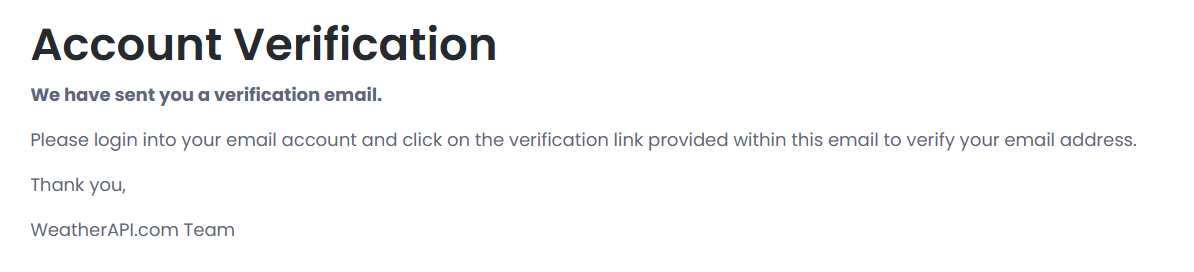
- A verification email is sent. Open your email and click the confirmation link.
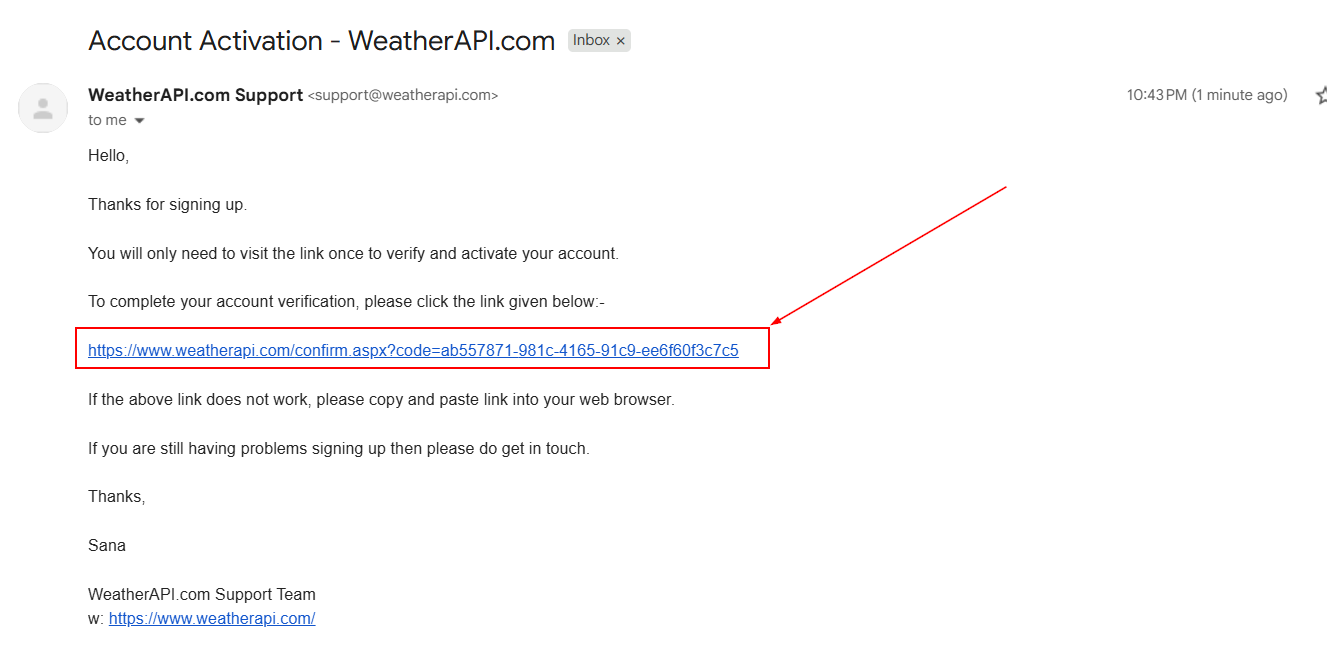
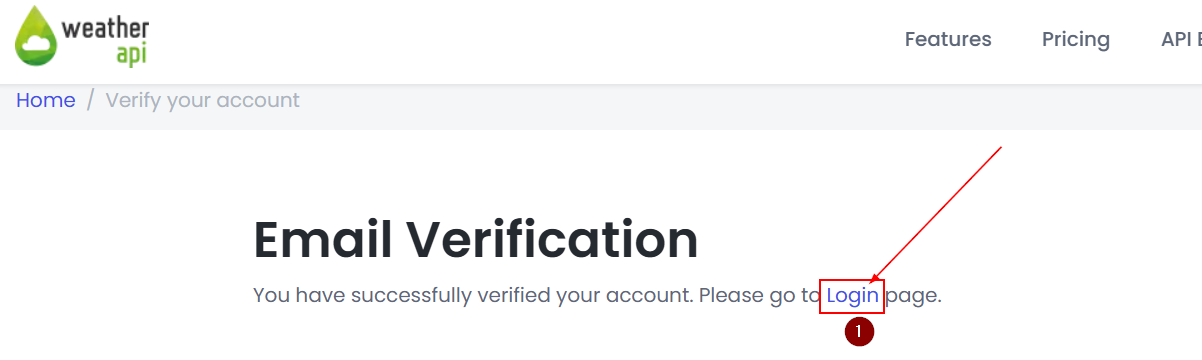
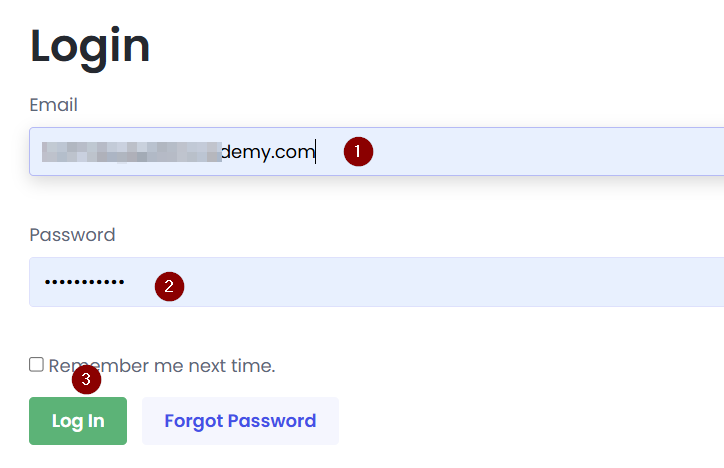
- After successful email verification, log in to your WeatherAPI account using your credentials.
Once logged in, go to your Dashboard.
You will see the API Key section, where your default API key will be displayed.
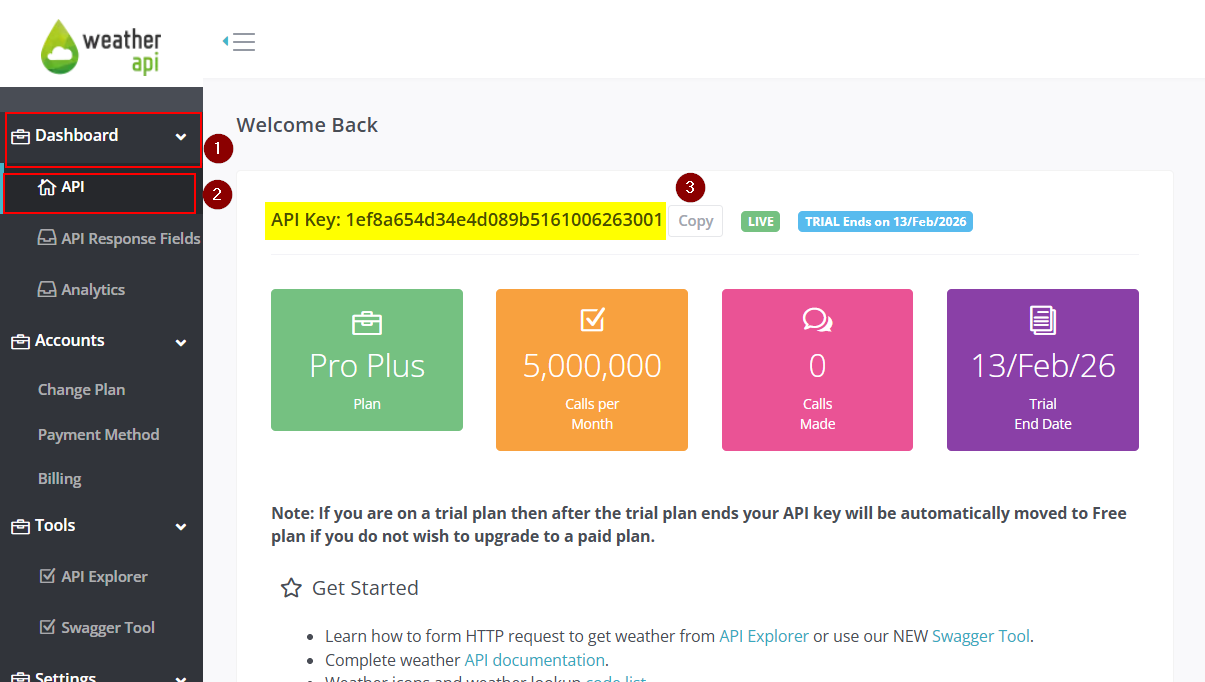
- Copy the API key using the copy icon.
Conclusion
In this lab, you successfully created your WeatherAPI key. You learned how to sign up for an account, generate your API key, and securely store it for use in future applications. With this key, you can now retrieve real-time weather data for your projects and integrate it into your applications, enhancing them with up-to-date weather information.
What's Next:
We will use this key in our upcoming labs. To securely store your key in Google Colab Secrets, please follow this guide: Secure API Keys with Google Colab Secrets

Note: Please use the environmental variable WEATHER_API_KEY under the name section, as we are using the same variable name in our labs.